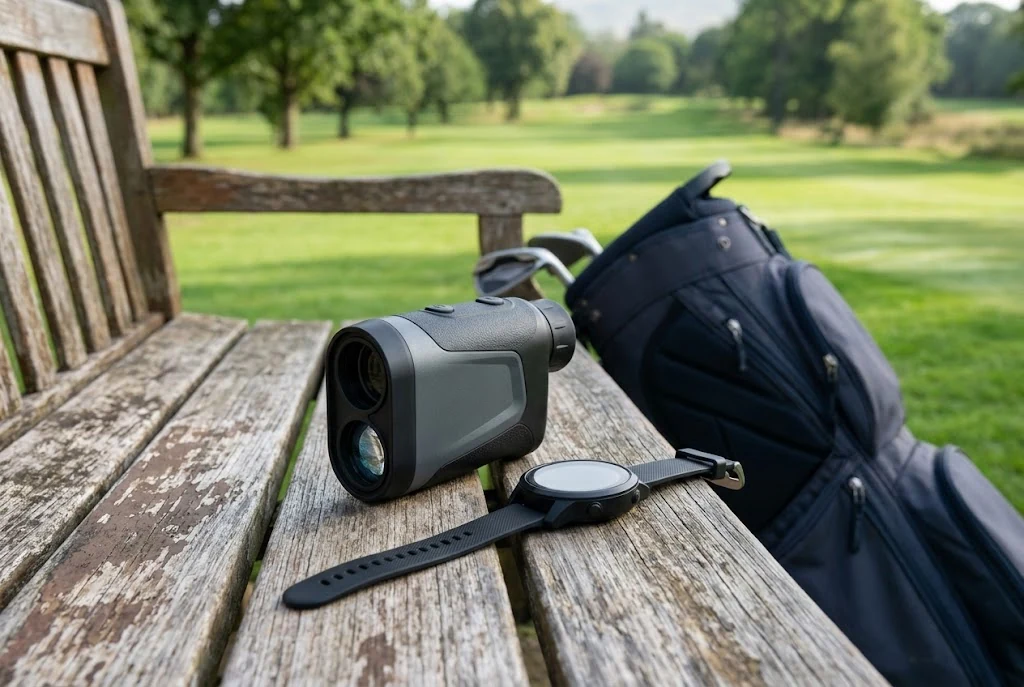
Golf GPS devices and laser rangefinders provide distance information in different ways. Under the ordinary Rules, distance measurement is allowed, but some additional uses are prohibited and a Committee can ban electronic distance-measuring devices. Check the event and the functions you use before relying on a “golf mode” or competition label.
Start by asking what the number refers to
A GPS watch may show the front, middle and back of a mapped green. A laser rangefinder measures towards the object you target. Those readings can describe different destinations, so a disagreement between the numbers does not immediately identify a faulty device.
Garmin’s distance-measurement explanation describes these two approaches. A middle-of-green reading should not be treated as today’s hole location unless the device and information specifically establish that.
Check the selected course, hole and units before comparing figures. If one display uses metres and another uses yards, discussing which one is “ten out” will not resolve the original mistake.
An original example: four numbers, different questions
Imagine a fictional GPS display showing 125 to the front, 140 to the middle and 155 to the back of a green, all in yards. Another player obtains a laser reading of 132 towards the flag.
Those four numbers need not contradict one another. They refer to different points. The first question is what each reading measures, followed by whether the player has selected or targeted the intended point.
This is an explanation of the information, not a recommendation to play a particular shot. Distance alone does not make a club-selection decision for you. A tool can answer a measuring question while leaving the golfing judgement with the player.
Understand what you have targeted
With a laser, read the operating instructions and learn how the device identifies the intended target. For example, Bushnell’s Pro X3 support instructions distinguish aiming at a target and reading its line-of-sight distance. Its troubleshooting also addresses separating a flag from background objects.
The useful habit is to notice an implausible result before acting on it. Recheck the target and units rather than accepting an unexpected figure because it appears precise. If you cannot establish what you are measuring, ask for help or use an available permitted alternative.
That is different from repeatedly measuring until you see the distance you hoped for. Familiarise yourself with operation during preparation, rather than turning a competition round into a device tutorial.
Check the information you actually use
R&A Rule 4.3 allows obtaining distance or directional information. It prohibits uses including measuring elevation changes, getting device-generated playing recommendations based on the ball’s location, and measuring wind speed at the course.
Having a function available and using it are different questions. Do not assume a slope-capable device is forbidden merely to carry, or that every feature is permitted because the device is sold for golf. Read the relevant instructions and switch off or avoid prohibited functions.
For example, a screen showing an adjusted “plays like” number raises a different question from a screen showing the measured distance. Check what the displayed mode calculates before using it in a round played under the Rules.
Read the event’s restriction before the first tee
The Committee can adopt Model Local Rule G-5, prohibiting electronic distance information during the round. Check the competition notice; a device used on a previous social visit may not be permitted for today’s event.
When asking the organiser, describe the device, app and proposed function. “Can I use my watch?” is less useful than explaining the information you intend to access. Keep the answer with the event details if it helps you prepare consistently.
A menu labelled competition mode can be helpful, but the player still needs to know what it disables and which event restriction applies. Ask the Committee for a ruling if the permitted use remains uncertain.
Build a short pre-round check
- Read the event notice and any distance-device restriction.
- Confirm the device’s course, hole and yard/metre setting.
- Understand what each distance points to.
- Check that prohibited functions will not be used.
- Learn the controls and power requirements before leaving.
- Have a permitted alternative if a reading is unavailable or unclear.
Keep device use considerate and organised. Our beginner etiquette guide covers safety and avoiding unnecessary delay. The scorecard guide explains the course information you may also receive, while the first-round checklist helps with the rest of your preparation.