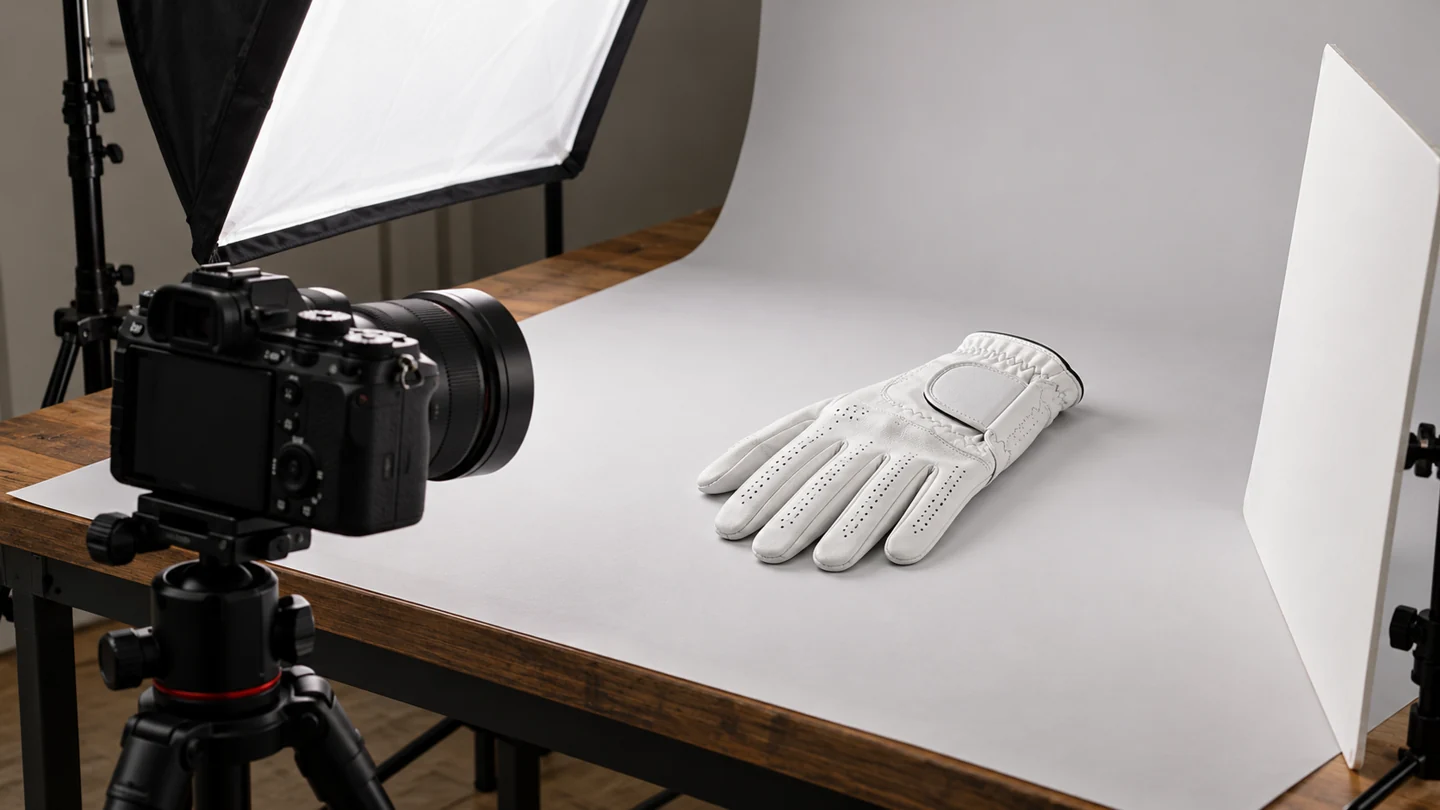
A useful golf-glove product photo set should show the back, palm, closure, important construction details and the actual supplied packaging. Add an on-hand view when it helps customers understand the fit and scale.
The goal is to answer the questions a customer cannot settle from a name or short description. A dramatic lifestyle photograph may attract attention, but it does not replace a clear view of what the buyer receives.
Start with the actual product version
Photograph the approved item being sold. Check the colour, wearing hand, material arrangement, branding and packaging against the product record before the shoot.
Keep a record of the sample identifier or version. If the closure or packaging changes later, you can identify which images need replacing.
In Texpak’s sampling process, we label the sample sent to the brand and keep an approved master in the customer’s file. Use that approved version as the reference for the shoot, especially after a change to the fit, logo placement or packaging. It gives the brand, manufacturer and photographer the same product to work from.
For brand development, our tech-pack checklist explains how to organise the underlying specification. The photography brief should reflect that record rather than create a separate, conflicting product description.
Use this golf-glove shot list
| View | What it should make clear | Common problem to avoid |
|---|---|---|
| Back of glove | Main colour, branding and closure appearance | Fingers folded over important areas |
| Palm | Material surface, seams and reinforcement | Showing only the decorative back |
| Closure open and closed | Fastening arrangement and visible details | Hiding how the tab sits |
| Close detail | Stitching, print or a relevant panel junction | A crop so close that scale is unclear |
| On-hand view | Overall appearance when worn | An unsuitable sample size distorting the fit |
| Packaging | What is supplied and how it is labelled | Showing an unconfirmed packaging concept |
| Variant comparison | Real differences between colours or versions | Reusing one image for visibly different products |
Not every product needs every shot as a separate file. One carefully composed detail may answer several questions, provided the information remains clear.
Keep lighting and colour consistent
Use even light that shows texture without hiding seams in hard shadows. Compare the photographed colour with the physical item under sensible viewing conditions.
White gloves need enough separation from a pale background to preserve the edges. Dark gloves need sufficient detail in the palm and fingers. Avoid editing that makes different materials look identical.
Keep the camera position and crop reasonably consistent across a collection. Customers comparing variants should not have to guess whether an apparent shape difference comes from the product or the camera angle.
Show fit without making a universal promise
Use an appropriately fitting sample for an on-hand photograph. Record the glove's actual size and wearing hand so that the image can be described accurately.
A photograph on one person cannot prove how a whole size range will fit. Pair it with the relevant size guide and instructions for choosing a size.
Do not digitally tighten the glove, remove normal seams or change its proportions to create a fit that the real product does not have. Our fit guide covers the physical assessment separately.
Make printing and packaging honest
Printed designs may need a wider view and a close detail. Show how the artwork actually sits around seams and shaped panels rather than applying an ideal flat graphic over the photo.
If the retail package is included, show the confirmed package. If accessories are props, make it clear that they are not part of the purchase.
For artwork approval, link your team to the custom-logo checklist. Photography documents the approved result; it does not replace the approval process.
Prepare images for the product page
Give each file a descriptive name, such as “white-golf-glove-palm”, rather than a string of repeated marketing keywords. Export an appropriate web size and retain a higher-quality original for future use.
Write alt text describing what the image contributes. “Palm view of a white left-hand golf glove” is useful when accurate. A list of phrases such as “best cheap premium golf glove manufacturer” is not a meaningful description.
Place the image beside the relevant product information and provide responsive sizes and dimensions when implementing the page. Google's image guidance explains the search and accessibility context.
Brief your photographer in one page
Supply the approved sample, variant list, shot list, required formats and any details that must remain visible. Add references for colour and the product information the images need to support.
If you are still developing the glove, discuss the OEM specification with Texpak before commissioning a final product shoot. Clear material, fit and branding decisions give the photographer an accurate item to document.